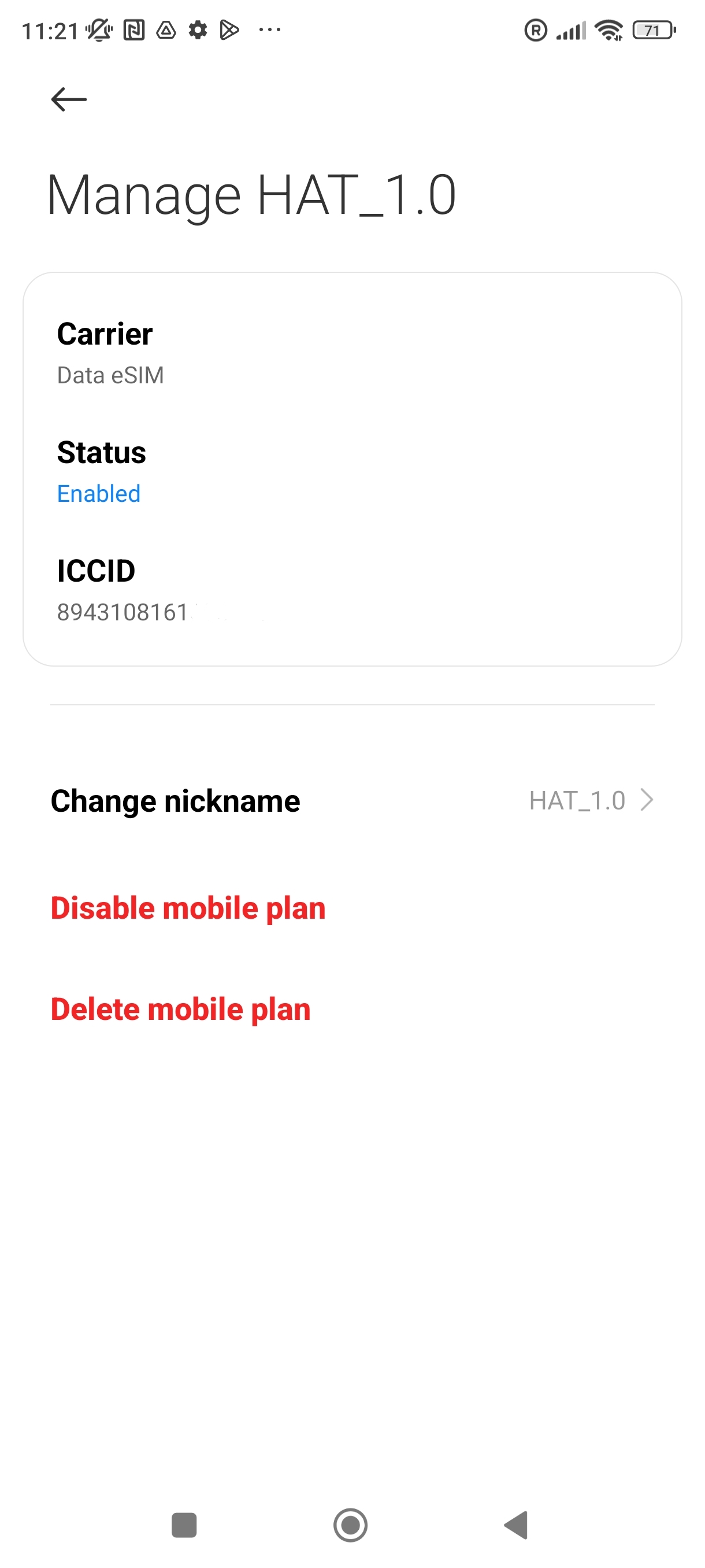
It may be necessary to identify the unique ICCID associated with your eSIM. This article walks you through the steps on a Xiaomi device.
1. Go into Settings.
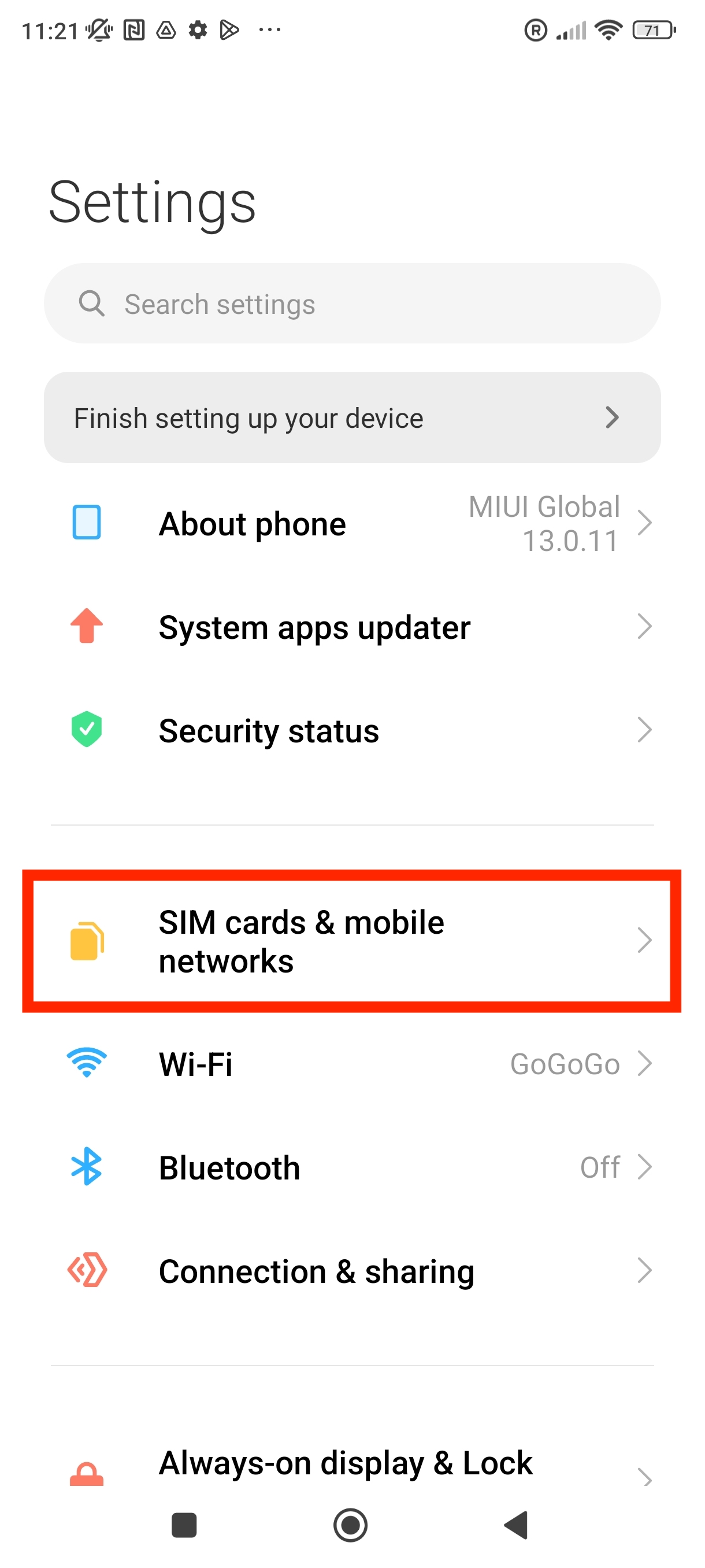
2. Go into "SIM cards & mobile networks"
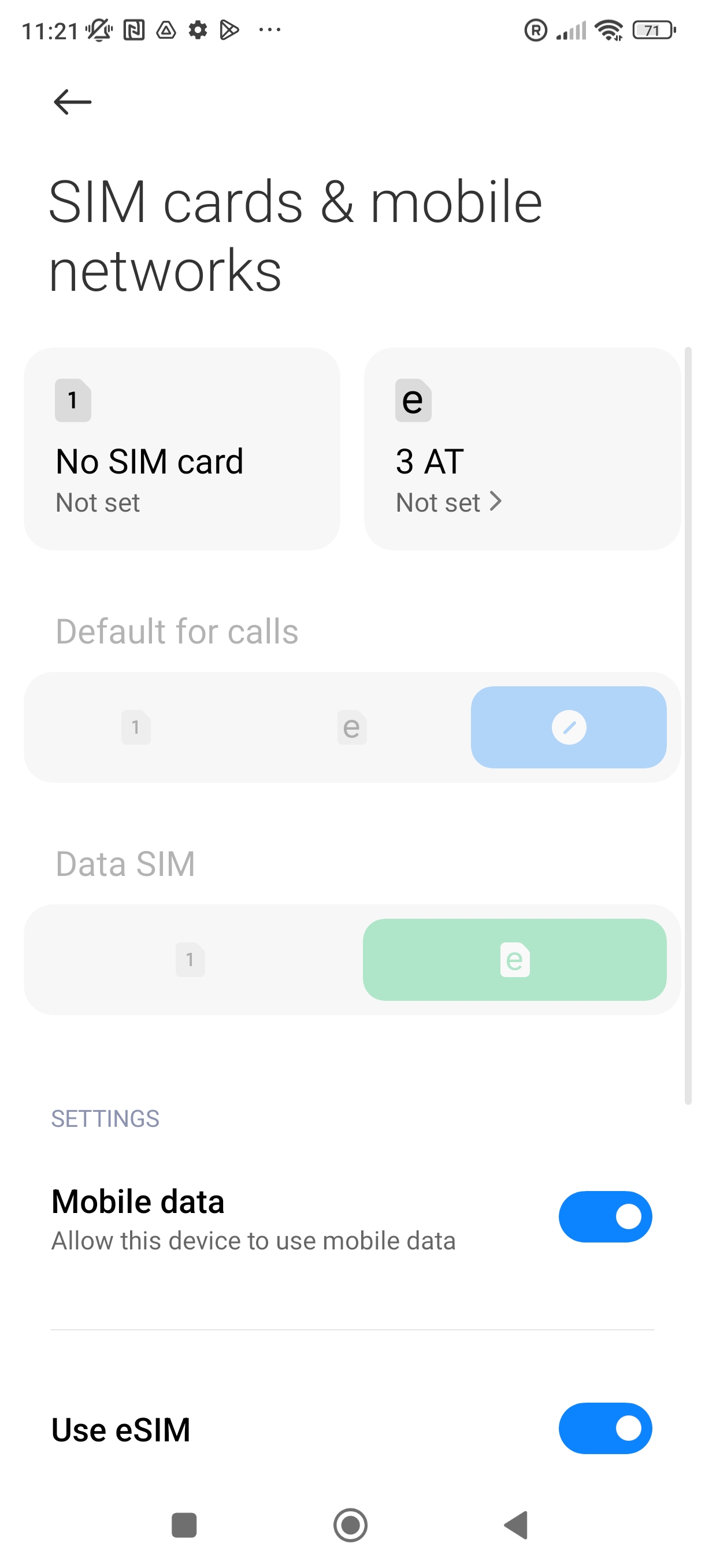
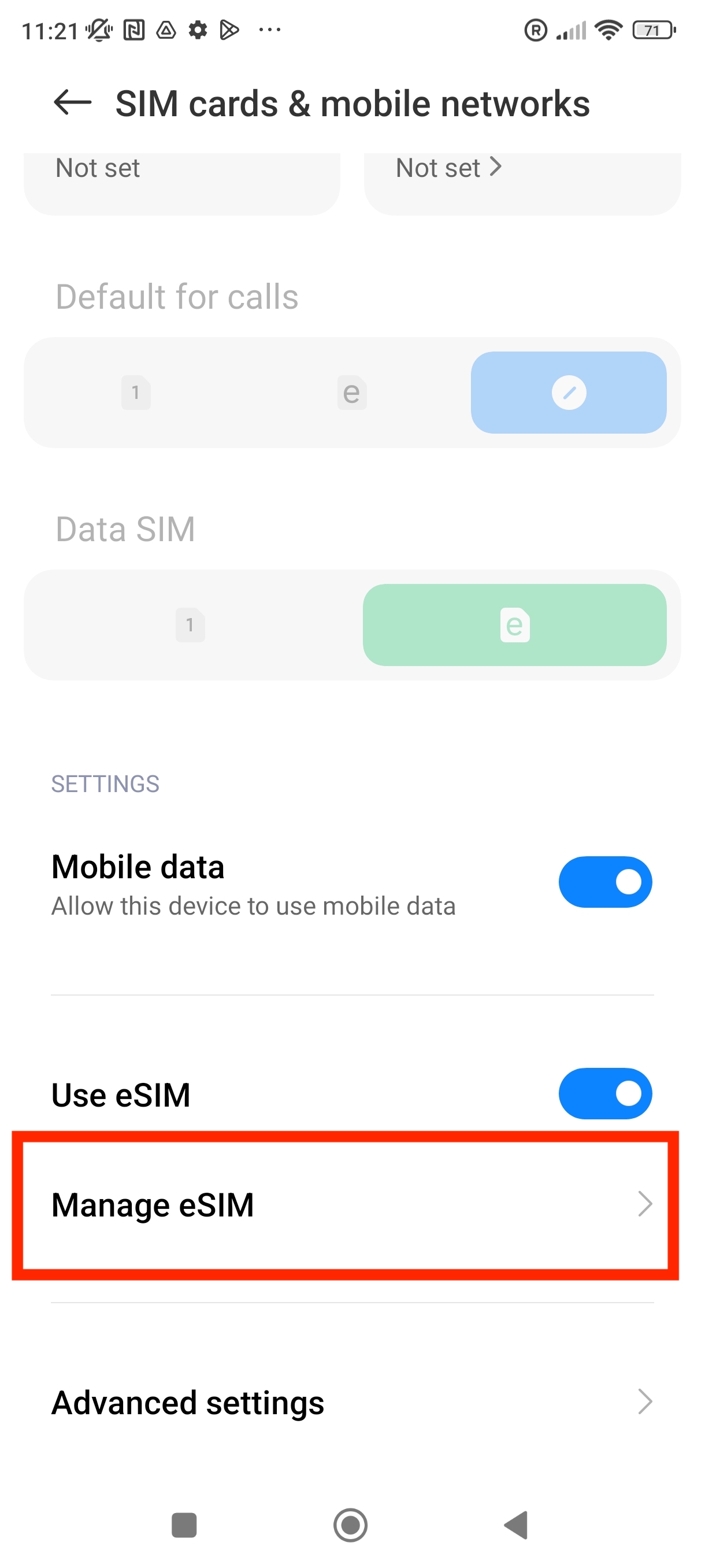
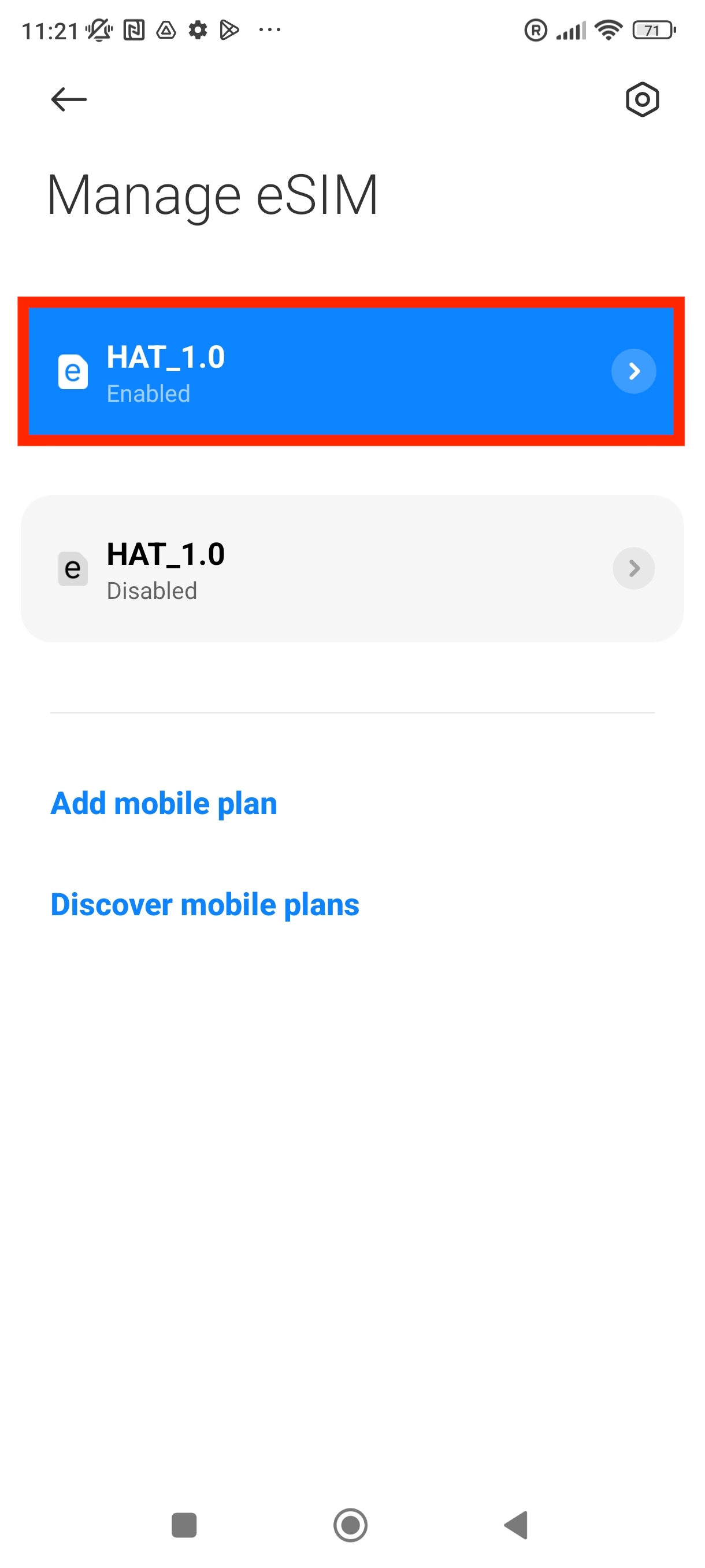
3. Scroll down until you see the option "Manage eSIM" > Click into it.
4. Click on the eSIM you would like to find the ICCID for.
5. Your ICCID will be displayed as shown in the photo below.